
The Snap™ + Core First® User Manual introduces the features and functions of Snap™ and Core First®, including how to use them to help people with disabilities communicate.
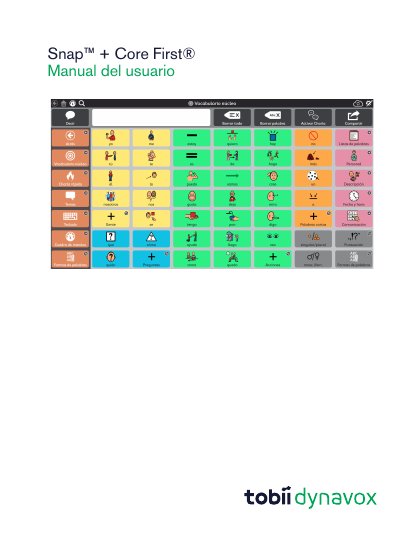
Snap + Core First is a symbol-based communication software solution designed for individuals with autism, cerebral palsy, Down syndrome, and intellectual disabilities. It combines the Snap symbol experience with Core First components to support literacy and independence. The software is available for Windows and iOS devices. This manual is written in Spanish.
| Minimum Windows Memory | 2 GB |
|---|---|
| Recommended Windows Memory | 4 GB |
| Minimum iOS Device | iPad Air 2 |
| Recommended iOS Memory | 4 GB |
Yes, the Free version includes Core First content and page creation but limits voice functions.
Voice functions disabled include message window voice, button action output, behavior support output, and acoustic signals.
You can unlock voice functions with a single purchase within the application.