
User guide for Thermo Fisher Scientific's QuantStudio Design and Analysis software, covering experiment setup, analysis, and data export for QuantStudio 3…
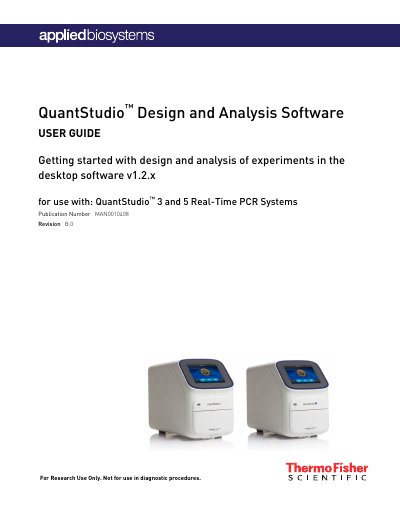
This manual provides step‑by‑step instructions for using the QuantStudio™ Design and Analysis desktop software (v1.2.x). It explains how to create, configure, and run experiments, import sample definitions, and manage reagents for the QuantStudio 3 and 5 Real‑Time PCR instruments.
The guide also details result review, plotting options, quality‑control checks, and exporting data. Appendices give shortcuts, supplemental information on instrument power‑on and file transfer, and a list of compatible parts and consumables.
| Software version | v1.2.x |
|---|---|
| Document revision | B.0 |
| Publication number | MAN0010408 |
On the Home screen click **Create New Experiment** to start a fresh experiment without pre‑existing settings.
Templates are installed in the folder **Program Files (x86)\Applied BioSystems\QuantStudio Design & Analysis Software\templates**.
Use the **Export experiments or results** option in the Export menu to save data and analysis outputs.