
This user guide covers setup, operation, image analysis, maintenance, and safety for the Thermo Fisher Scientific iBright CL1500 and FL1500 imaging systems.
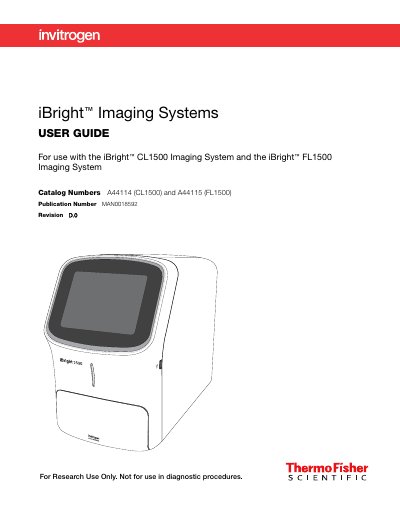
The iBright™ Imaging Systems include the iBright™ CL1500 for chemiluminescent Western blots, nucleic acid gels, and visible protein gels, and the iBright™ FL1500 which adds fluorescent Western blot capabilities. These systems feature a simple design with intuitive touchscreen workflows to deliver high-resolution images directly from the instrument.
| Dimensions (L × W × H) | 68.0 × 38.2 × 59.8 cm |
|---|---|
| Weight | 52 kg (115 lbs) |
| Maximum power dissipation | ~960 W |
| Rated voltage | 100–240 ±10% VAC |
| Rated frequency | 50/60 Hz |
The iBright™ CL1500 Imaging System allows users to image chemiluminescent Western blots, DNA and RNA gels stained with fluorescent nucleic acid stains, and visible protein gels.
Yes, the instruments provide on-board software for image analysis.