
Texas Instruments PGA450-Q1 software development guide for UART and LIN demo 8051 MCU firmware, covering initialization, interrupts, and predefined commands.
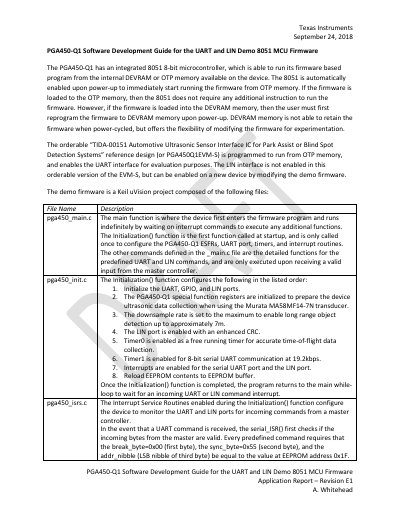
This Texas Instruments application report describes software development for the PGA450-Q1, which integrates an 8051 8-bit microcontroller. The guide covers firmware that runs from internal DEVRAM or OTP memory and supports UART and LIN demo interfaces.
It details the Keil uVision project files, including pga450_main.c, pga450_init.c, pga450_isrs.c, pga450_vars.c, and header files. The document also lists eight predefined UART and LIN commands, from UART communication testing to custom EEPROM configuration and threshold reporting.
| Microcontroller | 8051 8-bit |
|---|---|
| UART baud rate | 19.2kbps |
| Object detection range | approximately 7m |
| LIN CRC | enhanced CRC |
The PGA450-Q1 integrates an 8051 8-bit microcontroller.
It automatically starts running firmware from OTP memory upon power-up.
Timer1 enables 8-bit serial UART communication at 19.2kbps.
The serial_ISR() function aborts itself if any checks are violated.