
This guide covers the installation, configuration, and development of the Linux Platform Support Product (PSP) for the Texas Instruments OMAP-L138 SoC.
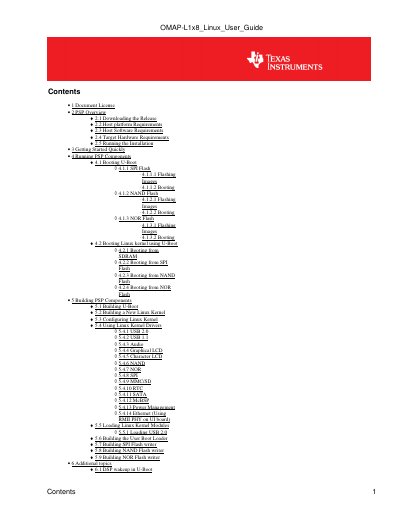
This document serves as the User Guide for the Texas Instruments OMAP-L138 Linux Platform Support Product (PSP). It details the components included in the package, such as the DaVinci Linux kernel, Arago file system, and U-Boot, specifically designed for the OMAP-L138 Evaluation Module (EVM).
The guide provides step-by-step instructions for installing the PSP package on host platforms (Windows and Linux), configuring the target hardware, and booting the system from various storage media including SPI, NAND, and NOR flash. It also includes procedures for building custom U-Boot, Linux kernels, and flash writer utilities using Code Composer Studio and CodeSourcery tools. This manual is written in Chinese.
| Kernel Version | 2.6.31-rc7 |
|---|---|
| File System Version | 2009.09 |
| U-Boot Version | 2009.01 |
| Required Host Software | CCStudio 3.3.38 or 4.0.0.16000 |
| Serial Console Baud Rate | 115200 |
| Data Bits | 8 |
| Stop Bits | 1 |
Building and running all PSP components requires both a Windows machine and a Linux machine.
Code Composer Studio (CCStudio) version 3.3 or 4.0 is required for building the UBL and flash writers.
The settings are Baud: 115200, Data Bits: 8, Parity: None, Stop Bits: 1, and Flow Control: None.