
User guide for the Texas Instruments LMR14050SEVM evaluation module for the LMR14050S buck regulator.
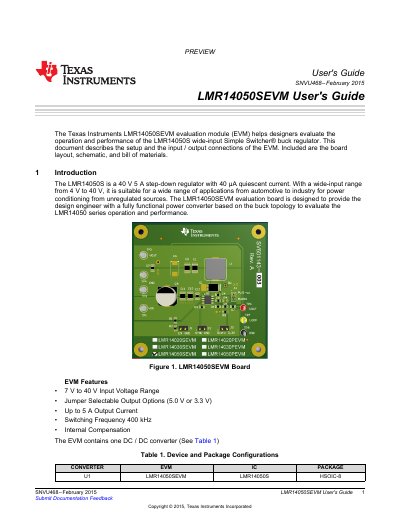
The Texas Instruments LMR14050SEVM evaluation module helps designers evaluate the operation and performance of the LMR14050S wide-input Simple Switcher buck regulator. This document describes the setup and input/output connections of the EVM, and includes the board layout, schematic, and bill of materials.
The EVM provides a 7 V to 40 V input range, jumper-selectable 5.0 V or 3.3 V output options, up to 5 A output current, and 400 kHz switching frequency. The LMR14050S device is a 40 V, 5 A step-down regulator with 40 µA quiescent current.
| Input voltage range | 7 V to 40 V |
|---|---|
| Output voltage options | 5.0 V or 3.3 V |
| Maximum output current | Up to 5 A |
| Switching frequency | 400 kHz |
| Regulator input range | 4 V to 40 V |
| Quiescent current | 40 µA |
| Feedback voltage | 0.75 V |
| PCB construction | 4-layer design with 2-oz copper planes |
The default setting output voltage is 5.0 V.
Open J3 to change the output voltage from 5.0 V to 3.3 V.
The EVM supports a 7 V to 40 V input voltage range.