
User manual for TDK-Lambda HWS300-600 series power modules, covering safety, operation, and technical specifications.
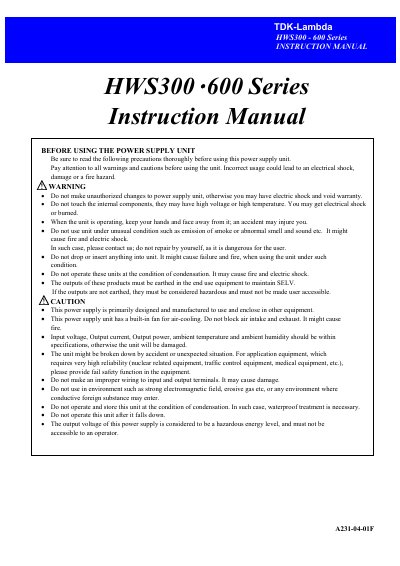
This manual provides safety warnings and operational instructions for the TDK-Lambda HWS300-600 series power modules. It details terminal connections, remote sensing, ON/OFF control, and protection features like overvoltage, overcurrent, and overtemperature protection. Users must follow precautions to avoid electrical shock or fire hazards.
The manual includes diagrams for terminal pin configurations and wiring methods, with specific guidance for local sensing, remote sensing, and power fail signal handling. It also explains how to reset protection functions and the limits of output voltage and current. This manual is written in Chinese.
| Input Voltage Range | 85 ~ 265VAC (47 ~ 63Hz) or 120 ~ 330VDC |
|---|---|
| Output Voltage Range | ±20% of rated output voltage (48V Output Model: -20% ~ +10%) |
| Over Voltage Protection (OVP) Trigger | 125-145% of rated output voltage (48V type: 115-135%) |
| Over Current Protection (OCP) Trigger | 105% (24V output model: 119%) of maximum DC output current |
| Low Output Detection Circuit (PF) Threshold | 65 ~ 80% of rated value |
The input voltage range is 85 ~ 265VAC (47 ~ 63Hz) or 120 ~ 330VDC.
Use the V.ADJ trimmer on the front panel; turning it clockwise increases the output voltage.
Connect the +S terminal to the + terminal of the load and the -S terminal to the - terminal of the load with sensing wires.