
This document introduces the installation and applications guide for Virtual Control Panel
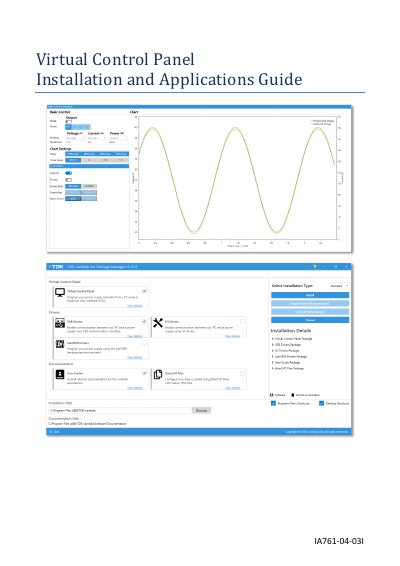
The Virtual Control Panel (VCP) is a graphical user interface application that allows users to remotely control TDK-Lambda programmable power supplies using a PC. The software is installed and managed via a Package Manager tool, which handles the installation of necessary drivers and components for various communication interfaces.
| Compatible Windows Version | Windows 10 (64-bit) |
|---|---|
| .NET Framework Requirement | 4.8 (64-bit) |
| Processor Requirement | Intel i5 or above |
| Hard Disk Space | 20GB |
| Memory Requirement | 8GB |
| Display Resolution | 1280 x 768 |
| Compatible Power Supply Series | GENESYS+, Z+ and GENESYS |
It is a graphical user interface that allows the user to remotely and comfortably control all TDK-Lambda Ltd. programmable power supplies using a single PC application.
The application is installed using a software installer tool called the Package Manager, which installs and updates TDK-Lambda drivers and tools.
The VCP supports RS-232/RS-485, USB, Ethernet (LAN), IEEE-488 (GPIB), MODBUS-TCP, and EtherCAT.
A warning message will pop-up stating that the application could not be started because it requires .NET Framework version 4.8.