
This manual describes how to install and use TDK-Lambda's Virtual Control Panel (VCP).
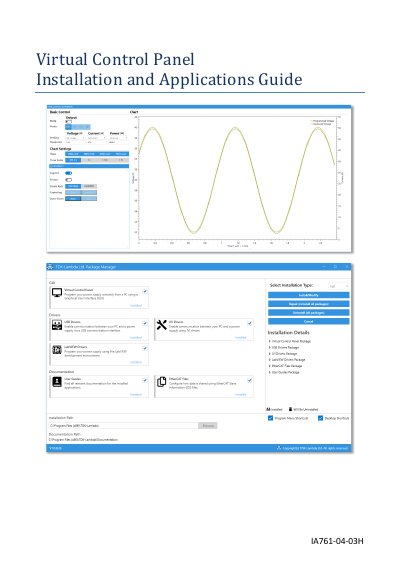
The IA761-04-03H Virtual Control Panel (VCP) is a graphical user interface application designed to remotely control TDK-Lambda programmable power sources, including the GENESYS+, Z+, and GENESYS series. The software is installed and managed via a Package Manager tool that handles drivers and various software packages required for operation.
| Compatible Power Source Series | GENESYS+, Z+, and GENESYS |
|---|---|
| Operating System | Microsoft Windows 10 (64-bit) |
| .NET Framework Version | 4.8 (64-bit) |
| Processor Requirement | Intel i3 processor or above |
| Hard Disk Space | At least 20GB |
| Memory Requirement | At least 4GB |
| Display Resolution | 1280 x 768 |
The VCP supports RS-232/RS-485, USB, Ethernet (LAN), IEEE-488 (GPIB), MODBUS-TCP, and EtherCAT.
If the Constant Power Limit is enabled, the Sequencer, Internal Resistance, Slew-Rate, and Analog Programming functions are disabled.
The user must install the latest version of .NET Framework (version 4.8) to install and run the Installer and VCP.