
User manual for System Sensor i3 Series Sensitivity Reader, showing how to test detector sensitivity with LCD, LED, and sound indicators.
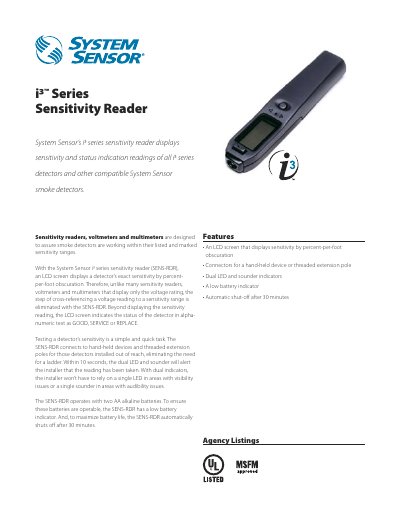
The System Sensor i3 Series Sensitivity Reader (SENS-RDR) displays detector sensitivity in percent-per-foot obscuration and status (GOOD, SERVICE, REPLACE) via an LCD screen. It connects to handheld devices or threaded poles for out-of-reach testing. Dual LED and sound indicators confirm readings within 10 seconds. The device runs on two AA alkaline batteries, with a low battery indicator and automatic 30-minute shutdown to conserve power.
To operate, press and hold the button for 2 seconds to turn on and display 'READY'. Position the reader near the detector, hold for up to 10 seconds, then read the sensitivity and status. Reset with a button press for next readings. The device is designed for quick, accurate testing without voltage cross-referencing. This manual is written in Chinese.
| Battery Type | 2 – AA alkaline batteries (not included) |
|---|---|
| Dimensions | Length: 7 1⁄8 inches (181 mm); Width: 1 3⁄8 inches (35 mm); Depth: 1 1⁄8 inches (29 mm) |
| Weight | 8 oz. (225 grams) |
| Automatic Shut-off | 30 minutes |
It displays sensitivity in percent-per-foot obscuration on an LCD screen, eliminating the need to cross-reference voltage readings.
It automatically shuts off after 30 minutes to conserve battery life.