
SteelSeries Apex 7 keyboard product information guide covering package contents, setup, OLED display, multimedia controls, macros and regulatory information.
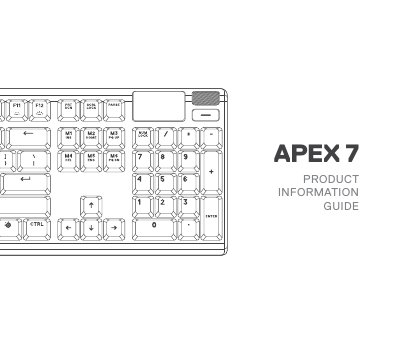
This SteelSeries Apex 7 Product Information Guide covers the Apex 7 keyboard and its magnetic wrist rest. It lists the package contents, the SteelSeries Engine requirements and platform compatibility, and identifies the numbered keyboard parts, from the OLED Smart Display and multimedia volume roller to the profile switching key, macro recording key and illumination brightness keys.
The guide then explains connection setup with the USB keyboard plug and USB passthrough plug, the multimedia and OLED menu controls, profile switching, on-the-fly macro recording and illumination brightness control, followed by translations and regulatory statements for the keyboard, model KB-00010, rated 5V, 700mA and made in China.
| Model No. | KB-00010 |
|---|---|
| Rated input | 5V, 700mA |
| Windows requirement | Windows 7 – Windows 10 |
| Mac requirement | Mac OSX 10.8 – 10.12 |
| Free disk space for installation | 120 MB |
| Platform compatibility | PC, Mac, Xbox One, PS4 |
| Package contents | Apex 7 Keyboard, Magnetic Wrist Rest |
| Country of manufacture | China |
Connect the USB Keyboard Plug to a USB 3.0 port on your computer. To use the USB Passthrough Port, connect the USB Passthrough Plug to your computer as well.
Press and hold the SteelSeries Function Key plus the Macro Recording Key for 3 seconds, then type the key combinations you want. Press the same combination again to end recording.
Long press the OLED Menu Button for 2 seconds to enter the OLED Menu.
Press the SteelSeries Function Key plus the Illumination Brightness Down Key to reduce brightness, or plus the Illumination Brightness Up Key to increase it.