
SteelSeries Apex 7 TKL Product Information Guide

This guide provides an overview, setup instructions, and function details for the SteelSeries Apex 7 TKL gaming keyboard, including compatibility and…
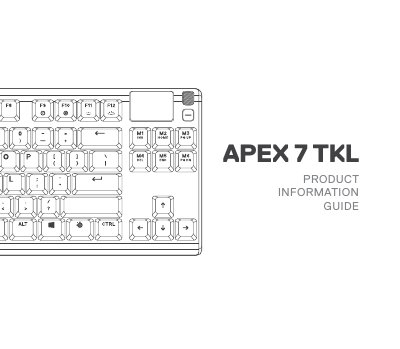

SteelSeries Apex 7 TKL Product Information Guide - cover page
Brand
SteelSeries
Document type
Product Leaflet
Language
English
Pages
36
File format
PDF
File size
796 KB
Published
04 November, 2026
Updated
04 November, 2026
MD5 checksum
13BE8082A4C1A1D13B344B5E0619A023

About this manual

This document serves as a product information guide for the SteelSeries Apex 7 TKL keyboard. It details the product's physical features, such as the OLED Smart Display and multimedia volume roller, and explains how to connect the device using the USB Passthrough Port and USB Keyboard Plug. The guide also outlines system requirements and platform compatibility for PC, Mac, Xbox One, and PS4.

What's inside

  • Product Overview
  • Package Contents
  • Engine Requirements
  • Platform Compatibility
  • Connection Setup
  • Multimedia Controls
  • OLED Smart Display
  • Profile Switching
  • Macro Recording
  • Regulatory Information

Frequently asked questions

What is the Apex 7 TKL keyboard used for?

It is a gaming keyboard with multimedia controls and programmable functions.

What operating systems are required to use the Apex 7 TKL?

Windows 7 – Windows 10 and Mac OSX 10.8 – 10.12.

What is the rated power for the Apex 7 TKL?

5V 500mA.

How do you start recording a macro on the Apex 7 TKL?

Press and hold the SteelSeries Function Key + Macro Recording Key for 3 seconds.

Download PDF (796 KB)

More SteelSeries Manuals


View all SteelSeries manuals →