
SteelSeries Arctis Pro Wireless Product Information Guide

This guide provides setup instructions, compatibility details, and operational information for the SteelSeries Arctis Pro Wireless gaming headset on PC…
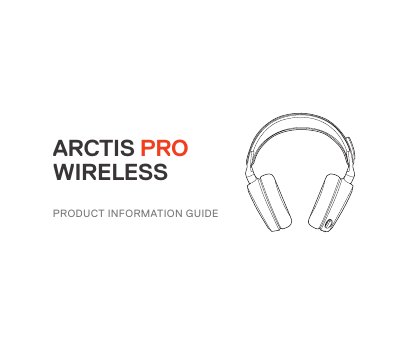

SteelSeries Arctis Pro Wireless Product Information Guide - cover page
Brand
SteelSeries
Category
Other Electronics
Document type
User Manual
Language
English
Pages
39
File format
PDF
File size
1.4 MB
Published
23 October, 2026
Updated
23 October, 2026
MD5 checksum
E9A4A2D59E158CBA3EEBB5EEBE712CFA

About this manual

The SteelSeries Arctis Pro Wireless is a gaming headset designed to offer high-quality audio and clear communication. It features a ski goggle headband, Airweave ear cushions, and a ClearCast microphone. The headset includes a wireless transmitter for 2.4 GHz connectivity and Bluetooth capability for mobile audio and calls.

What's inside

  • Welcome
  • Package Contents
  • System Requirements
  • Product Overview
  • Power On/Off
  • Bluetooth Operation
  • Setup PS4
  • Setup PC/Mac
  • Battery Charging
  • Transmitter Operation

Specifications

Software RequirementsWindows 7 + Mac OS X 10.8
Wireless Frequency2.4 GHz
Installation Space120 MB

Frequently asked questions

How do I turn the headset on or off?

Press and hold the power button for 2 seconds.

How do I pair the headset with Bluetooth?

With Bluetooth off, press and hold the Bluetooth button for 6 seconds.

What are the system requirements for the SteelSeries Engine software?

The software requires Windows 7 or Mac OS X 10.8 and 120 MB of free hard drive space.

Download PDF (1.4 MB)

More SteelSeries Manuals


View all SteelSeries manuals →