
This document introduces the features and characteristics of the Arctis 7 headset, including DTS Headphone:X v2.0 audio, 7.1 surround sound, gaming mic, comfort and style.
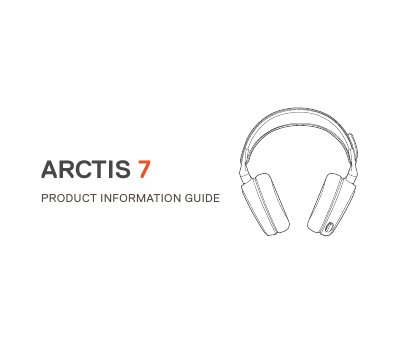
This manual provides instructions for setting up and using the SteelSeries Arctis 7 headset. It includes details on charging via Micro-USB, powering on/off, pairing, and system compatibility for PC and Mac. The guide also covers software requirements for DTS Headphone:X v2.0 and features such as the retractable microphone, chat mix dial, and volume controls.
| System Compatibility | Windows 7-10, Mac OS X 10.8+ |
|---|---|
| Rated Voltage | 5V |
| Operating Temperature | 0 to +40 °C |
Connect the Micro-USB cable to the charging port on the headset and plug the other end into any USB power source.
Green = 100-50% battery, Yellow = 49-20%, Red = 19-10%, Red (fast blink) = 9-1%.
SteelSeries Engine is required to enable DTS Headphone:X v2.0 and custom audio effects.