
The SteelSeries Aerox 5 Wireless Product Information Guide provides an overview, setup steps, battery indicator details, CPI settings, and specifications…
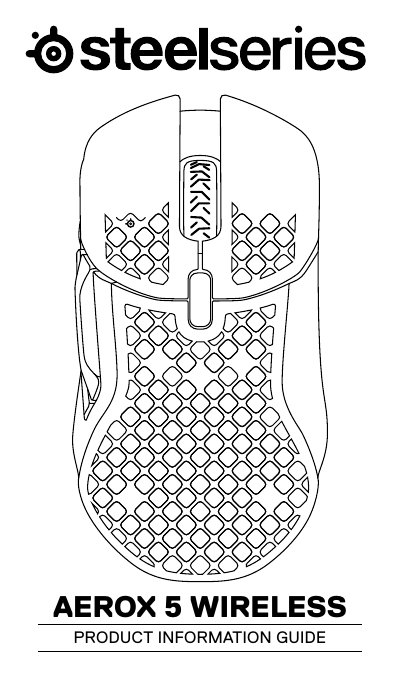
The guide introduces the SteelSeries Aerox 5 Wireless, an ultra‑lightweight gaming mouse designed for fast, precise control. It lists the package contents, shows the mouse layout, and explains compatibility with PC, Mac, Xbox and PlayStation.
Key sections cover connecting the mouse via 2.4 GHz or Bluetooth, interpreting the battery‑level lighting, selecting preset CPI values, and accessing translations and regulatory information. The document also provides technical specifications such as voltage, current draw, and CPI options.
| Operating Voltage (mouse) | 5 V |
|---|---|
| Operating Current (mouse) | 500 mA |
| Transceiver Voltage | 5 V |
| Transceiver Current | 30 mA |
| Battery Level Indicator Colors | Red (0–5 %), Yellow (6–10 %), Green (11–100 %) |
The mouse flashes red when the battery is 0–5 %, yellow for 6–10 %, and green for 11–100 %; while charging, the lighting flashes green for five seconds.