
The Sony MZ-DH10P Hi‑MD Walkman user manual provides setup, operation, camera functions, software usage, and troubleshooting instructions.
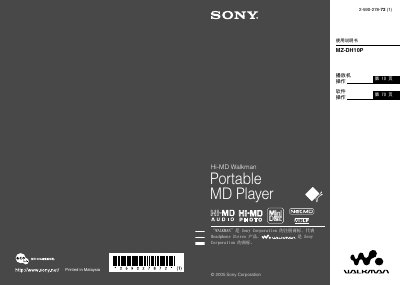
This manual covers everything needed to start using the Sony MZ-DH10P Hi‑MD Walkman, from checking the supplied accessories and preparing the power source to setting the clock and transferring audio data from a computer. Detailed sections explain how to play music, capture and view still images, and customize audio settings.
Additional chapters describe the software tools (SonicStage and MD Simple Burner), troubleshooting steps for common issues, safety warnings, and specifications of the device’s audio, imaging, and power features.
| Audio format | Linear PCM (44.1 kHz/16 bit) |
|---|---|
| Sampling frequency | 44.1 kHz |
| Battery type | LIP‑4WM 3.7 V 370 mAh lithium‑ion rechargeable |
| LCD screen size | 38 mm (1.5") diagonal |
Use the supplied USB cable and make sure it is firmly attached; avoid using a USB hub and reconnect if the device is not recognized.
It uses a rechargeable lithium‑ion battery model LIP‑4WM, rated at 3.7 V with a capacity of 370 mAh.