
Guide to installing and maintaining SMART Board MX and MX Pro series interactive displays, covering connections, updates, settings and RS-232 control.
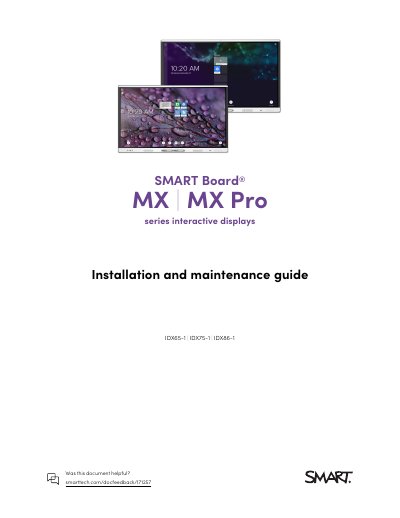
This guide explains how to install and maintain a SMART Board MX or MX Pro series interactive display. It is written for the people who install and maintain displays in their organizations and covers installing the display, installing SMART OPS appliances, configuring the network for firmware updates, connecting to a network, and turning the display on for the first time. It also describes connecting room computers, guest laptops and other devices, with connector diagrams, and updating iQ system software and the display’s firmware.
Later sections cover troubleshooting and contacting a reseller for support, adjusting iQ settings (network, personalization, application and system settings), adjusting display settings (network, screen lock, advanced, update, recovery and about), managing the display using RS-232, and enrolling the display in SMART Remote Management. The document also notes ENERGY STAR information, licenses and trademark notices, and points to the SMART support website for more resources.
| Screen sizes | 65", 75", 86" |
|---|---|
| Touch technology | HyPr Touch with Advanced IR |
| Touch points | Up to 20 (depending on the connected device’s operating system) |
| Included pens | Two |
| Embedded operating system | iQ (embedded Android operating system) |
| Speakers | Two integrated speakers |
| Network connection | Wi-Fi or Ethernet |
| Power status light | Red = Standby mode; green = normal operating mode |
The display comes in 65", 75" and 86" screen sizes. The models listed on the cover are IDX65-1, IDX75-1 and IDX86-1.
HyPr Touch with Advanced IR technology supports up to 20 touch points, depending on the connected device’s operating system.
A red power status light means the display is in Standby mode; a green light means it is in normal operating mode.
Yes. You can install a SMART OPS appliance, such as a SMART OPS PC module, in the OPS accessory slot.