
Quick setup guide for the Smart E96F wireless cube camera, covering app setup, SD card insertion, and LED status indicators.
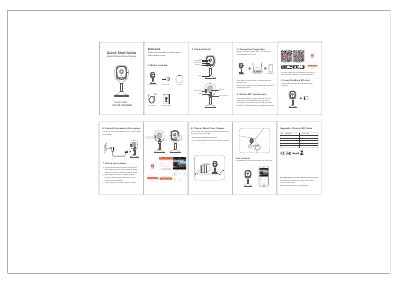
This guide helps you set up your Smart E96F wireless cube camera quickly. It includes steps for connecting the camera to your 2.4G Wi-Fi network using the Tuya Smart app, inserting a Micro SD card, and resetting the device. The guide also explains LED status indicators for system startup, network pairing, and camera online status.
The camera comes with a power adapter, 3M tape, reset needle, and quick start guide. Mount it on a wall or shelf using the included tape, and follow the app’s instructions to complete network pairing.
The camera only works under 2.4G Wi-Fi and does not support 5G Wi-Fi.
A blinking red LED indicates the camera is in standby for configuration or undergoing a reset.
A blue LED indicates the camera is online and ready for viewing.