
This manual provides firmware update instructions and a revision history for the Siglent SDG2000X series signal generator, detailing feature changes and bug…
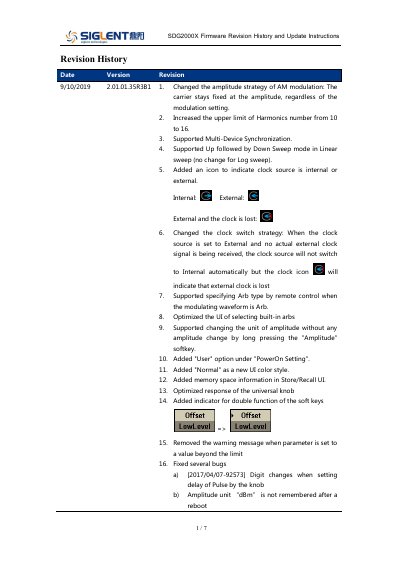
This document serves as a firmware update guide and revision history for the Siglent SDG2000X series signal generator. It lists specific changes, optimizations, and bug fixes introduced across various firmware versions, ranging from the initial release to version 2.01.01.35R3B1.
Copy the *.ads file to a USB flash drive, connect it to the instrument, navigate to Utility > System > Firmware Update, select the file, and press Recall.
No, you must not shut off the instrument until the update is completed to avoid errors.
The generator will restart automatically after the update finishes.