
Instructions for using USS commands on the Siemens S7-200 controller to communicate with MicroMaster inverters.
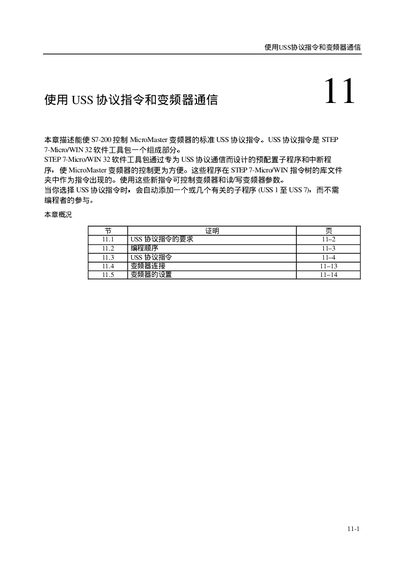
This manual explains the USS (Universal Serial Synchronous) communication commands available on the Siemens S7-200 PLC and how to configure them for communication with MicroMaster variable‑frequency drives. It covers command syntax, parameter settings, and required programming steps in STEP 7‑Micro/WIN.
The document also details drive configuration, status monitoring, error handling, and the required hardware connections, providing tables of supported baud rates, voltage ranges, and I/O assignments for successful integration. This manual is written in Chinese.
| Supported baud rates | 1200, 2400, 4800, 9600, 19200 |
|---|
Set the USS_INIT variable to 0 before starting communication.
The supported baud rates are 1200, 2400, 4800, 9600 and 19200.
Set the DRIVE input variable to 1 to enable the MicroMaster drive.