
The Shure MV5 USB Microphone User Guide explains how to connect, set up, and use the Shure MV5 USB microphone.
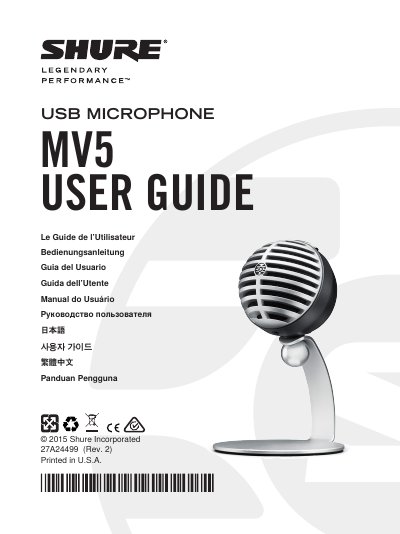
The Shure MV5 USB Microphone User Guide provides setup and operating instructions for the Shure MV5 USB microphone. It covers connecting the microphone to a computer or mobile device with a USB or Lightning cable, selecting preset modes, and adjusting gain and headphone levels.
The guide also includes microphone placement tips for vocals, instruments, and podcasts, troubleshooting steps, product specifications, and system requirements for Windows, Mac, and iOS devices. This manual is written in Chinese.
| Microphone type | Electret condenser (16 mm) |
|---|---|
| Bit depth | 16-bit/24-bit |
| Sample rate | 44.1/48 kHz |
| Frequency response | 20 Hz to 20,000 Hz |
| Adjustable gain range | 0 to +36 dB |
| Maximum SPL | 130 dB SPL |
| Headphone output | 3.5 mm (1/8 inch) |
Use a suitable USB or Lightning cable; the green status LED indicates a successful connection.
The MV5 offers Voice, Instrument, and Flat preset modes.
Windows 7 or Windows 8, at least 64 MB of RAM, and USB 2.0 are required.