
This document is about the user guide for Shure Incorporated 27A24499 (Rev. 2) USB MICROPHONE MV5. It explains how to connect and set up the MV5 microphone, and provides placement recommendations for different application scenarios.
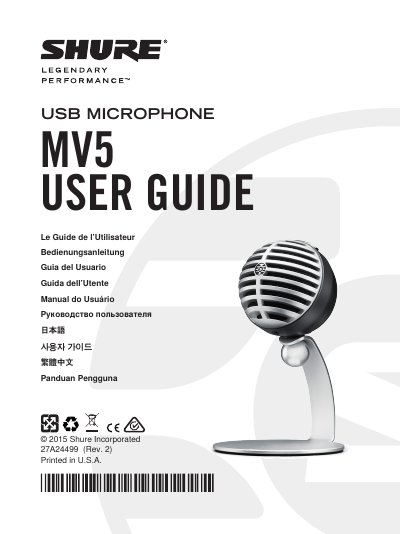
The Shure MV5 is a USB microphone designed for recording vocals and instruments. It features three preset modes: Voice, Instrument, and Flat, which adjust gain, equalization, and dynamic settings for specific applications. The device connects via USB or Lightning cable to computers and mobile devices, providing power and audio output simultaneously.
| Microphone Head Type | Electret Condenser (16 mm) |
|---|---|
| Polar Pattern | Unidirectional (Cardioid) |
| Bit Depth | 16-bit/24-bit |
| Sampling Rate | 44.1/48 kHz |
| Frequency Response | 20 Hz to 20,000 Hz |
| Adjustable Gain Range | 0 to +36 dB |
| Maximum SPL | 130 dB SPL |
| Headphone Output | 3.5 mm (1/8 inch) |
| Net Weight (with stand) | 0.16 kg (5.64 oz) |
| Dimensions (with stand) | 89 x 142 x 97 mm |
The three modes are Voice, Instrument, and Flat, which adjust gain, equalization, and dynamic settings for different recording needs.
Set the microphone to Voice mode and speak directly in front of it at a distance of 2-12 inches (5-30 cm).
You should adjust the microphone level so that the peak is between -12 and -6 dB on the input level meter.
Yes, it supports iOS 7.0 and higher on compatible devices like iPhone 5, iPad Air, and iPad Mini.