
The Samsung T5 Portable SSD User Manual provides setup, usage, and safety instructions for the external solid‑state drive.
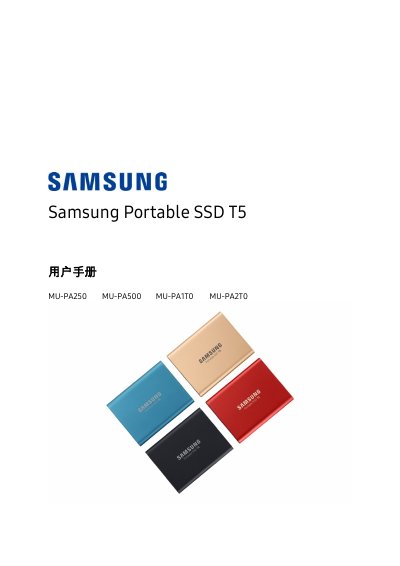
This manual explains how to safely set up and operate the Samsung T5 Portable SSD, covering everything from unpacking the device to connecting it with the supplied USB‑C cables. It includes system requirements, software installation, password protection, and troubleshooting tips.
Key sections describe the device’s specifications, LED indicators, recommended operating environments, and compliance certifications. The guide also provides FAQs, warranty information, and instructions for cleaning and handling the drive. This manual is written in Chinese.