
Quick setup guide for the Ruckus Wireless ZoneFlex R710 Dual Band 802.11ac Wi-Fi access point, covering configuration, mounting and verification.
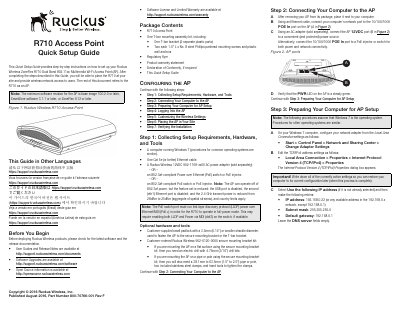
The guide provides step-by-step instructions for setting up the Ruckus Wireless ZoneFlex R710 Dual Band 802.11ac Multimedia Wi-Fi Access Point. It covers collecting setup requirements, connecting a computer, preparing Windows 7 network settings, logging in, customizing wireless settings, placing the AP and verifying the installation.
Mounting instructions cover attaching the AP to a drop-ceiling T-bar, flat surface or pole with Ruckus Wireless mounting kits, including the factory-supplied T-bar assembly and optional secure mounting bracket. Default AP settings are also listed, including Wireless1—Wireless8 on the 2.4 GHz radio, Wireless9—Wireless16 on the 5 GHz radio, disabled security and management IP address 192.168.0.1.
| Product | R710 Access Point |
|---|---|
| Wireless standard | Dual Band 802.11ac |
| Ethernet port | 10/100/1000 PoE In port |
| AC power adapter | Ruckus Wireless 12VDC 902-1169-xx00 AC power adapter (sold separately) |
| Power over Ethernet | 802.3at-compliant or 802.3af-compliant PoE switch or PoE injector |
| 2.4 GHz transmit power with 802.3af power | Reduced from 28 dBm to 25 dBm |
| Default management IP address | 192.168.0.1 |
| Default SSIDs | Wireless1—Wireless8 (2.4GHz radio); Wireless9—Wireless16 (5GHz radio) |
| Default security | Disabled for each wireless interface |
The default management IP address is 192.168.0.1.
The login username is super and the password is sp-admin.
It is reduced from 28 dBm to 25 dBm (aggregate of spatial streams), and country limits apply.
Open a web browser and enter https://192.168.0.1.