
The Ruckus ZoneDirector 3000 user manual provides installation, configuration, and management instructions for the enterprise‑grade wireless LAN controller.
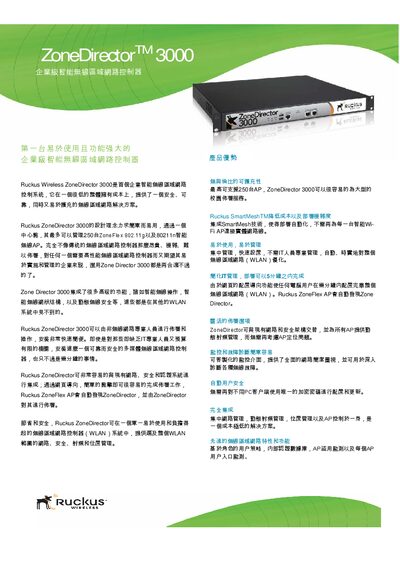
The ZoneDirector 3000 is an enterprise‑class wireless LAN controller that can manage up to 250 ZoneFlex APs and supports SmartMesh, dynamic security, and centralized management. It is designed for easy deployment, allowing non‑technical staff to install and operate the system within minutes.
This manual covers hardware specifications, step‑by‑step installation, web‑based configuration, AP discovery and management, security features such as dynamic PSK and 802.1X, and performance monitoring tools like BeamFlex and SmartMesh. It also includes detailed tables of technical parameters and troubleshooting guidance. This manual is written in Chinese.
| Power | 220W |
|---|---|
| Input Voltage | 100–250 VAC |
| Output | 12 V DC, 1 A |
| Dimensions (L×W×H) | 25 cm × 15.93 cm × 3.86 cm |
| Weight | 1000 g |
| Ethernet Ports | 2 ports, auto‑MDI 10/100/1000 Mbps |
| Maximum Managed APs | 250 |
| Maximum Simultaneous Users | 5000 |
| Security Protocols | WEP, WPA‑TKIP, WPA2‑AES, 802.11i |
It can manage up to 250 ZoneFlex APs.
The controller uses a 220 W power supply with an input range of 100–250 VAC and provides a 12 V DC, 1 A output.
Yes, it integrates SmartMesh, allowing automatic AP deployment without wired connections.
Installation can be completed in about five minutes.