
Ruckus Wireless ZoneFlex Indoor Access Point Release 9.4 User Guide

This guide provides instructions for installing, configuring, and managing Ruckus Wireless ZoneFlex indoor access points including models 2942, 7341, 7363…
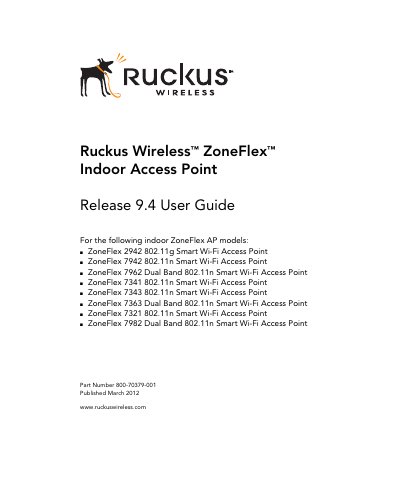

Ruckus Wireless ZoneFlex Indoor Access Point Release 9.4 User Guide - cover page
Brand
Ruckus Wireless
Document type
User Manual
Language
English
Pages
128
File format
PDF
File size
1.8 MB
Published
24 October, 2026
Updated
24 October, 2026
MD5 checksum
F0F668C44BE7BE6ED136A6821ADE9B38

About this manual

This user guide covers the installation, configuration, and management of Ruckus Wireless ZoneFlex Indoor Access Points. It details procedures for unpacking the device, performing site surveys, mounting the unit, and connecting it to power and the network. The document also explains how to verify operation by checking LEDs and associating wireless clients.

What's inside

  • Introducing the ZoneFlex Access Point
  • Installing the Access Point
  • Navigating the Web Interface
  • Configuring Device Settings
  • Configuring Wireless Settings
  • Managing the Access Point

Frequently asked questions

What is BeamFlex technology?

BeamFlex is a patented antenna technology that allows wireless signals to navigate around interference, extend range, and increase speeds.

How can I manage the access points?

The access point can be deployed in standalone mode or managed by either FlexMaster or ZoneDirector WLAN controller.

Download PDF (1.8 MB)

More Ruckus Wireless Manuals


View all Ruckus Wireless manuals →