
Quick installation guide for the Ruckus Wireless ZoneFlex R720 dual-band 802.11ac Wi-Fi access point, covering setup, mounting, and default settings.
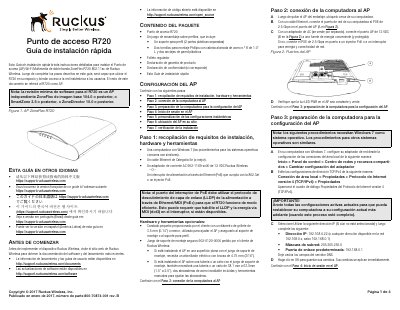
This quick installation guide describes how to install the Ruckus Wireless ZoneFlex R720 dual-band 802.11ac Wi-Fi access point. It lists the package contents and required hardware, then walks through connecting a computer, preparing Windows 7 TCP/IP settings, logging in to the AP, customizing wireless settings, placing the AP, and verifying the installation.
The guide also provides ceiling-profile mounting instructions and a table of default AP settings, including default SSIDs, security status, and the management IP address. This manual is written in Spanish.
| Wi-Fi standard | Dual-band 802.11ac |
|---|---|
| PoE port speed | 2.5 Gbps |
| Power adapter | 12 VDC Ruckus Wireless AC adapter (902-1169-xx00) |
| PoE support | 802.3at (PoE+) during initial release |
| Default management IP | 192.168.0.1 |
| Default SSIDs | Wireless1–Wireless8 (2.4 GHz); Wireless9–Wireless16 (5 GHz) |
| Default wireless security | Disabled for each wireless interface |
| Minimum software revision | Standalone base image 104.0 or later, SmartZone 3.5 or later, or ZoneDirector 10.0 or later |
| Configuration computer OS | Windows 7 |
The web interface uses Username super and Password sp-admin.
The default management IP address is 192.168.0.1.
It supports 802.3at (PoE+) during the initial release.
It requires standalone base image 104.0 or later, SmartZone 3.5 or later, or ZoneDirector 10.0 or later.