
Ruckus R850 Dual-Band 802.11ax Multimedia Wi-Fi Access Point Quick Setup Guide

This guide provides step-by-step instructions for installing and configuring the Ruckus R850 Dual-Band 802.11ax Multimedia Wi-Fi Access Point.
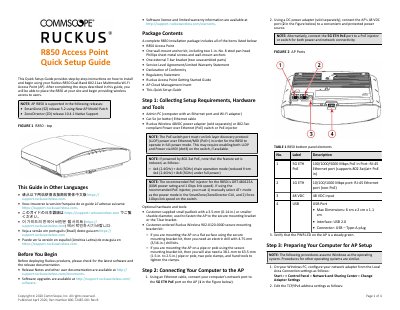

Ruckus R850 Dual-Band 802.11ax Multimedia Wi-Fi Access Point Quick Setup Guide - cover page
Brand
RUCKUS
Category
Wireless connection
Document type
Quick Start Guide
Language
English
Pages
4
File format
PDF
File size
519 KB
Published
14 November, 2026
Updated
14 November, 2026
Model
R850
MD5 checksum
2D1AE1DDF40B382E2A1F0AE2CB724948

About this manual

This Quick Setup Guide provides step-by-step instructions on how to install and begin using the Ruckus R850 Dual-Band 802.11ax Multimedia Wi-Fi Access Point (AP). It covers collecting setup requirements, connecting hardware, logging into the web interface, customizing wireless settings, and placing the unit in its permanent site location. The guide also includes specific mounting instructions for drop-ceiling T-bars and flat surfaces.

What's inside

  • Package Contents
  • Collecting Setup Requirements
  • Connecting Your Computer to the AP
  • Preparing Your Computer for AP Setup
  • Logging Into the AP
  • Customizing the Wireless Settings
  • Placing the AP in Your Site
  • Verifying the Installation
  • Mounting Instructions

Specifications

Wi-Fi Standard802.11ax
USB InterfaceUSB 2.0
Power Input48 VDC
PoE Support802.3at/at+
Max Power Draw25.5W

Frequently asked questions

What are the default login credentials for the R850 AP?

The default username is super and the default password is sp-admin.

What is the default management IP address for the R850 AP?

The default management IP address is 192.168.0.1.

Which PoE modes does the R850 support?

The R850 supports 802.3at and 802.3at+ PoE modes only and does not support 802.3af.

Download PDF (519 KB)

More RUCKUS Manuals


View all RUCKUS manuals →