
This manual provides operational instructions for the Rohde & Schwarz CMW500 Communication Measurement System, covering button functions, testing…
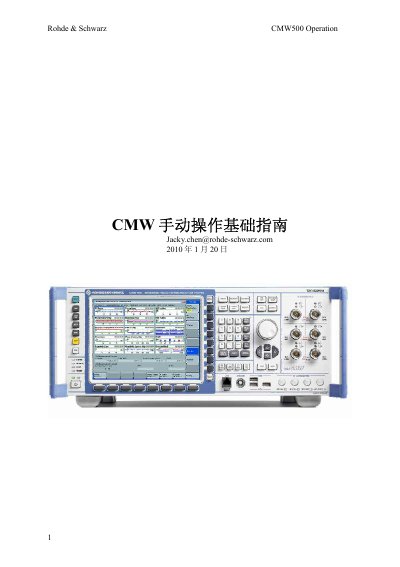
This document serves as an operation guide for the Rohde & Schwarz CMW500 Communication Measurement System. It details the functions of the front panel buttons, including RESET, INFO, SETUP, and MEASURE, as well as the use of the external keyboard for screenless operation.
The guide explains how to connect a mobile device for signal testing, configure test parameters such as Duplex mode and RF Routing, and utilize the ARB mode to generate downlink signals using waveform files. This manual is written in Chinese.
The RESET button is used to reset the instrument.
The SYS button switches between Windows XP and CMW 1.0.
Connect the phone to the COM port, not the OUT port.