
The Reton KVM-1701 series LCD KVM manual provides setup, operation, and specifications for the 1U 17‑inch integrated KVM device.
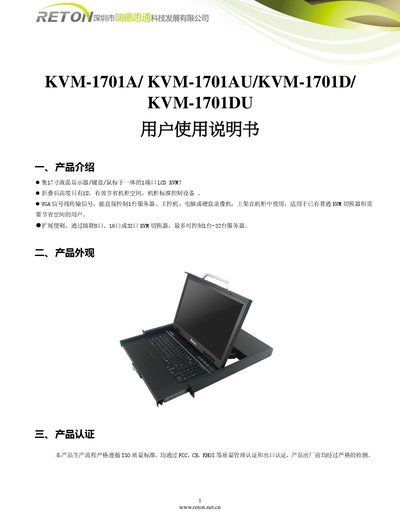
The Reton KVM‑1701 series combines a 17‑inch LCD display, keyboard and mouse into a single 1‑U rack‑mountable unit. It supports VGA signal transmission and can directly control one server, industrial PC, computer or DVR. By cascading 8‑, 16‑ or 32‑port KVM switchers, up to 32 servers can be managed from the same console.
Installation is simple: pull the panel out, the rail locks automatically and the KVM powers on with the LED indicator lit. The front panel can be opened up to 120° for easy access. The device complies with FCC, CE and RoHS certifications and follows ISO quality standards. This manual is written in Chinese.
| Display size | 17 inch LCD |
|---|---|
| Height (folded) | 1U |
| Supported signal | VGA |
| Maximum panel opening angle | 120° |
The panel can be opened up to 120°, and opening it further may damage the device.
The product has passed FCC, CE and RoHS certifications and follows ISO quality standards.