
This KVM switch allows you to control multiple computers with one control unit, supports USB and PS/2 computers, supports Windows, DOS, Netware, Linux and UNIX, does not require software installation, and can select computers simply through the front panel buttons or keyboard hotkeys
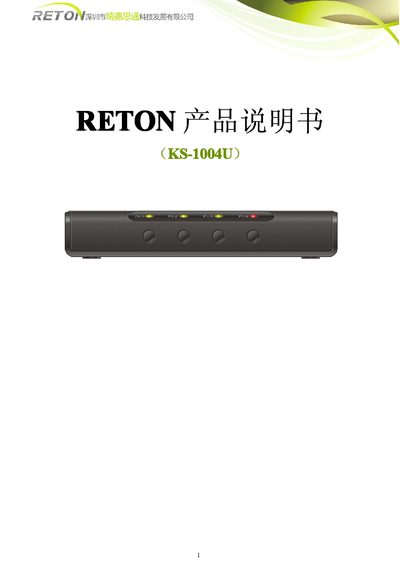
The RETON 1004U is a low‑cost KVM solution that lets a single keyboard, mouse and monitor control up to four computers. It supports both USB and PS/2 computers, offers hot‑key switching, automatic scanning, and LED status indicators.
The manual covers hardware overview, cable connections, installation steps, hot‑key commands, troubleshooting, technical specifications, and product certifications, guiding users from unpacking to full operation. This manual is written in Chinese.
| Model | 1004U |
|---|---|
| Computer ports | 4 |
| USB control ports | 1 |
| Supported cable types | 3‑in‑1 HDB15 or 2‑in‑1 HDB15 |
| Control port connectors | USB keyboard, USB mouse, VGA HDB15 |
| VGA resolution | 1920 x 1440 |
| Bandwidth | 200 MHz |
| Power supply | DC 12 V, 1 A |
| Dimensions | 198 mm × 74 mm × 25 mm |
It can control up to four computers.
A DC 12 V, 1 A transformer is required.