
The R328 recording pen user manual provides setup, operation, system settings, file management, computer connection, and troubleshooting instructions.
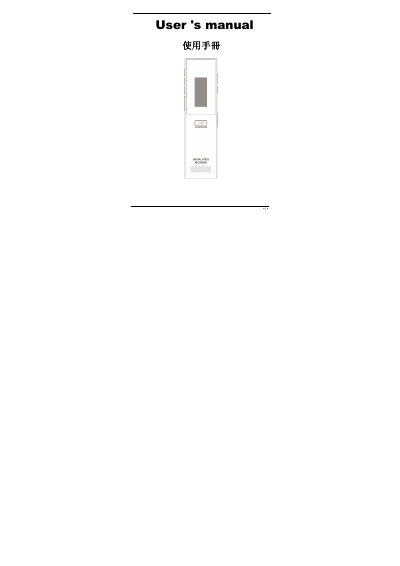
This manual introduces the R328 recording pen, covering its features, accessories, and safety precautions before use. It explains the LCD display, button functions, and how to operate recording and playback modes.
Detailed sections guide users through recording functions, file management, system configuration, USB connection to a computer, battery handling, and troubleshooting common issues. Technical specifications are listed at the end of the document. This manual is written in Chinese.
| Storage Capacity | 8 GB Flash |
|---|---|
| LCD Resolution | 96 × 64 pixels |
| Battery Type | Lithium |
| Microphone Type | Capacitive |
| Signal‑to‑Noise Ratio | ≥ 80 dB |
| Maximum Recording Quality | 1536 kbps |
| Sample Rate Range | 64 kbps – 1536 kbps |
| Operating Temperature | -5 °C – 40 °C |
| USB Interface | USB 2.0 |
| Dimensions (L×W×H) | 103 mm × 26 mm × 7.5 mm |
| Weight | 60 g (including battery) |
| Continuous Recording Time (WAV 1536 kbps) | ≈ 11 hours |
Press the RESET key to restart the system.
Check the file’s read‑only attribute via My Computer and change it to allow deletion.
The recorder works with Windows XP, Vista, and 10 without needing additional drivers.
The device includes an 8 GB flash memory.