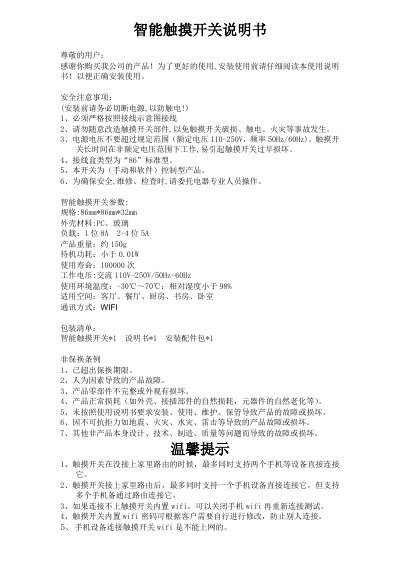
This manual provides installation, Wi‑Fi setup, and operation instructions for a smart touch switch.
About this manual
The manual explains safety precautions, required wiring, and handling warnings for the smart touch switch. It lists product specifications, package contents, and environmental limits.
It then guides the user through mechanical installation, Wi‑Fi configuration (including default SSID and password), and software operation via the companion app, including how to rename or delete the switch. This manual is written in Chinese.
What's inside
- Safety Precautions
- Product Specifications
- Package Contents
- Installation Diagram
- Wi‑Fi Configuration
- Software Operation
Specifications
| Dimensions | 86 mm × 86 mm × 32 mm |
|---|
| Enclosure Material | PC, glass |
|---|
| Load (1‑position) | 8 A |
|---|
| Weight | ≈ 150 g |
|---|
| Standby Power | < 0.01 W |
|---|
| Lifespan | 100 000 cycles |
|---|
| Operating Voltage | AC 110‑250 V, 50‑60 Hz |
|---|
| Operating Temperature | -30 °C ~ 70 °C |
|---|
| Maximum Relative Humidity | < 98 % |
|---|
Frequently asked questions
How many devices can connect directly to the switch’s built‑in Wi‑Fi before it is linked to a router?
Up to two mobile devices can connect directly to the built‑in Wi‑Fi when the switch is not linked to a home router.
What is the default password for the switch’s built‑in Wi‑Fi?
The default password for the built‑in Wi‑Fi is 12345678.
How can the switch name be changed or the switch be deleted in the app?
Long‑press the switch icon in the app to rename or delete the switch.