
Key facts
- Manuals
- 57
- Models
- 3
- Brands
- 1
- Languages
- ZH · EN
- Last added
- 2026-10-03
Power Amplifier models by brand
Featured Power Amplifier manuals
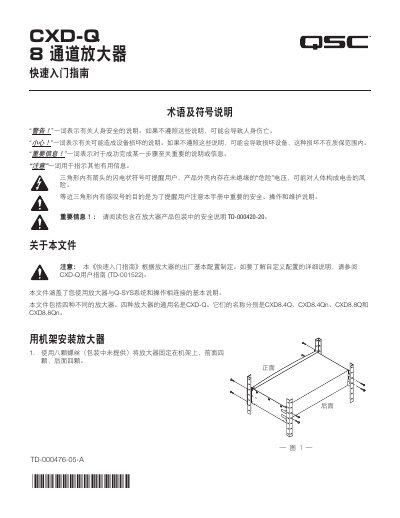
QSC CXD‑Q 8‑Channel Amplifier Quick Start Guide
The guide begins with safety symbols and terminology, then explains how to rack‑mount the amplifier using eight screws (four front, four rear). It covers power connection, LAN networking, and both balanced and unbalanced audio inputs.
Further sections describe output configurations (independent, bridged, parallel), front‑panel controls, firmware update procedures, LAN settings, health monitoring (fan speed, temperature, voltage), output gain adjustment, and GPIO pin functions. This manual is written in Chinese.
Covers: Safety Symbols and Terminology · Rack Mount Installation · Connections · Output Configuration · Parallel Channel Connections · Amplifier Controls
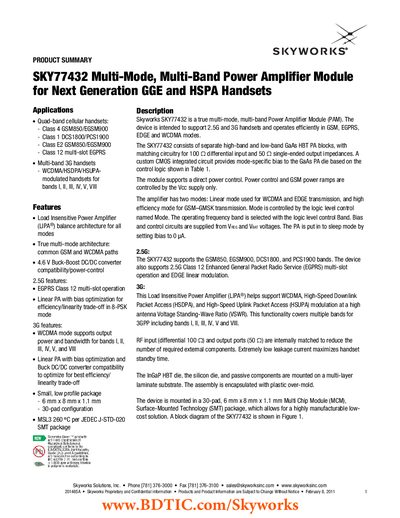
Skyworks SKY77432 Power Amplifier Module Datasheet
The SKY77432 module provides true multi‑mode, multi‑band operation for next‑generation handsets. It combines separate high‑band and low‑band GaAs HBT PA blocks with matching circuitry for 100 Ω differential input and 50 Ω single‑ended output, enabling efficient performance in GSM, EGPRS, EDGE and WCDMA modes.
The device is supplied in a 30‑pad, 6 mm × 8 mm × 1.1 mm MCM package and is compatible with a 4.6 V Buck‑Boost DC/DC converter. It supports quad‑band GSM (850/900/1800/1900), EGPRS Class 12 multi‑slot, and 3G bands I, II, III, IV, V, and VIII, with linear and high‑efficiency operating modes controlled via logic‑level pins.
Covers: Product Summary · Features · Ordering Information · Functional Block Diagram · Specifications
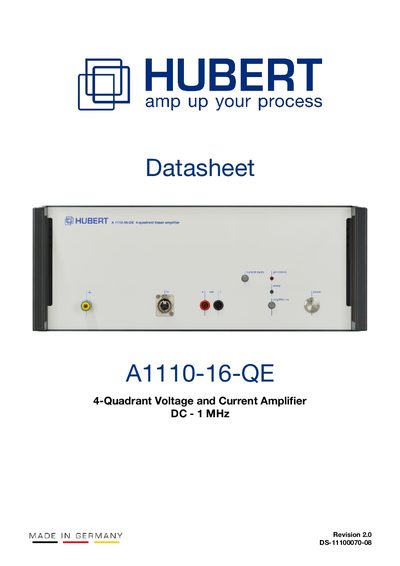
Dr. Hubert A1110-16-QE 4-Quadrant Voltage and Current Amplifier Datasheet
The A1110-16-QE is a linear, extreme‑broadband 4‑quadrant voltage and current amplifier that can operate as either a voltage or a current source. It offers configurable output ranges, auto‑commutating voltage supply, USB control (LAN optional) and built‑in protection such as over‑temperature disconnection, power‑loss calculation and absolute‑current monitoring.
The datasheet provides full electrical specifications, performance graphs, a block diagram and a list of optional modules such as custom current compensation networks, internal current measurement, Ethernet interface and isolation amplifier. Contact information for Dr. Hubert GmbH and document revision history are also included.
Covers: Product Description · Features · Applications · Control Software · Current Amplifier · Specifications
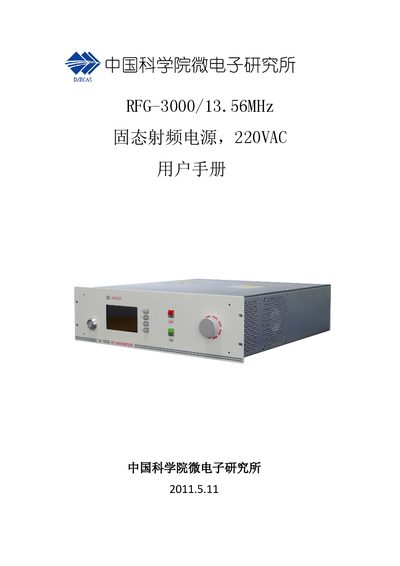
Chinese Academy of Sciences Institute of Microelectronics RFG-3000/13.56MHz RF Power Supply User Manual
The manual provides the main technical specifications of the RFG-3000/13.56MHz solid‑state RF power supply, including output power range, efficiency, stability, and cooling methods. It also details the mechanical dimensions, weight, and environmental limits.
Installation instructions describe mounting the 3U chassis in a standard rack or using a desktop panel. Operating procedures cover power‑on sequence, local panel controls for power setting, RF on/off, mode selection, and timer function. Remote control can be performed via RS‑232/RS‑485 or an analog interface, with pin assignments listed for external monitoring and control. This manual is written in Chinese.
Covers: Technical Specifications · Installation · Operation · Local Panel Controls · Remote Control · Mechanical Dimensions
Latest Power Amplifier manuals
QSC CXD‑Q 8‑Channel Amplifier Quick Start Guide
Quick Start Guide 11 pages · 2.2 MB · ZHThis Quick Start Guide provides installation, connection, configuration, and operation instructions for the QSC CXD‑Q 8‑channel amplifier.
Skyworks SKY77432 Power Amplifier Module Datasheet
Datasheet 2 pages · 198 KB · ENThe SKY77432 is a multi‑mode, multi‑band power amplifier module for 2.5G and 3G handsets, supporting GSM, EGPRS, EDGE and WCDMA.
Dr. Hubert A1110-16-QE 4-Quadrant Voltage and Current Amplifier Datasheet
Datasheet 17 pages · 682 KB · ENThe Dr. Hubert A1110-16-QE datasheet details a 4‑quadrant voltage and current amplifier with up to 75 V peak output and 28 A peak current, plus…
Chinese Academy of Sciences Institute of Microelectronics RFG-3000/13.56MHz RF Power Supply User Manual
User Manual 6 pages · 698 KB · ZHUser manual for the RFG-3000/13.56MHz solid‑state RF power supply, covering specifications, installation, operation, and remote control.
Boer Gao Ya Dian Yuan EB-150-200-F50-B2.5 High Voltage Power Supply User Manual
User Manual 14 pages · 977 KB · ZHThe user manual for the Boer Gao Ya Dian Yuan EB-150-200-F50-B2.5 high‑voltage power supply provides specifications, interface details, and operating…
Peavey CS@ 800s Power Amplifier Owner's Manual
User Manual 28 pages · 2.8 MB · ENThe Peavey CS@ 800s power amplifier owner's manual provides safety warnings, specifications, installation, and operation instructions.
PCB 480B10 ICP Power Unit Installation and Operating Manual
Installation Guide 10 pages · 474 KB · ENInstallation and operating guide for the PCB 480B10 ICP Power Unit with double integration, covering setup, calibration, maintenance, and warranty.
RM Italy KL-500 Power Amplifier Modifications Guide
Application Note 12 pages · 615 KB · ENThis guide details hardware modifications for the RM Italy KL-500 PA to improve bias stability, reduce noise, and add external PCB features.
CLR Series Professional Power Amplifier Product Leaflet
Product Leaflet 1 pages · 405 KB · ZHSpecification sheet for CLR series professional power amplifiers with features, power ratings and protection details.
NEC 2SK3296 N-Channel Power MOS FET Datasheet
Datasheet 8 pages · 422 KB · ENData sheet for NEC 2SK3296 N‑Channel Power MOSFET with specs, ratings and package options.
Hittite Microwave HMC441LM1 GaAs PHEMT MMIC Medium Power Amplifier Datasheet
Datasheet 9 pages · 419 KB · ENThe HMC441LM1 is a 7‑15.5 GHz GaAs PHEMT MMIC medium‑power amplifier offering 15 dB gain and up to +21.5 dBm output from a +5 V supply.
Digisynthetic DH Series Power Amplifier User Manual
User Manual 7 pages · 4.2 MB · ZHUser manual for Digisynthetic DH series power amplifiers covering safety, installation, operation and technical specifications.
NXP TDA1517ATW Power Amplifier
The TDA1517ATW is an integrated class-AB output amplifier contained in a plastic heatsink thin shrink small outline package (HTSSOP20). The device is primarily developed for multimedia applications.
NXP TDA1517 TDA1517P Power Amplifier
The TDA1517 is an integrated class-B dual output amplifier in a plastic single in-line medium power package with fin (SIL9MPF), a plastic rectangular-bent single in-line medium power package with fin (RBS9MPF) or a plastic heat-dissipating dual in-line package (HDIP18).The device is primarily developed for multi-media applications
Mitsubishi Electric PM50RLA120 Intelligent Power Module Datasheet
Datasheet 9 pages · 128 KB · ENThe Mitsubishi Electric PM50RLA120 Intelligent Power Module datasheet provides specifications, ratings, and application guidelines.
Which document do I need?
Quick Start Guide
The shortest path to a working setup, usually only a few pages.
Datasheet
Ratings, dimensions and ordering codes, for selection and design work.
User Manual
Day-to-day operation, settings and troubleshooting. Start here if the product is already set up.
Installation Guide
Mounting, wiring and first power-up. Read it before the hardware goes in.
Application Note
How to use the product for one specific task, with worked examples.
Questions answered in Power Amplifier manuals
How do I install the CXD‑Q amplifier in a rack?
Use eight screws (four at the front and four at the rear) to secure the amplifier to the rack.
What are the input and output impedance requirements?
The module uses a 100 Ω differential input and a 50 Ω single‑ended output.
Which power‑supply architecture is compatible with the SKY77432?
The module is compatible with a 4.6 V Buck‑Boost DC/DC converter.
What is the maximum output voltage of the A1110-16-QE?
The amplifier can deliver up to 75 V peak output voltage.
From: Dr. Hubert A1110-16-QE 4-Quadrant Voltage and Current Amplifier Datasheet
Which control interfaces are provided with the amplifier?
A USB port is standard and a LAN interface is optional.
From: Dr. Hubert A1110-16-QE 4-Quadrant Voltage and Current Amplifier Datasheet
How can I turn the RF output on and off?
Press the ON key to enable RF output (green LED lights) or the OFF key to disable it (red LED lights).