
This guide provides installation instructions, wiring diagrams, and specifications for the Pro-face GP3300-U1-D24 HMI.
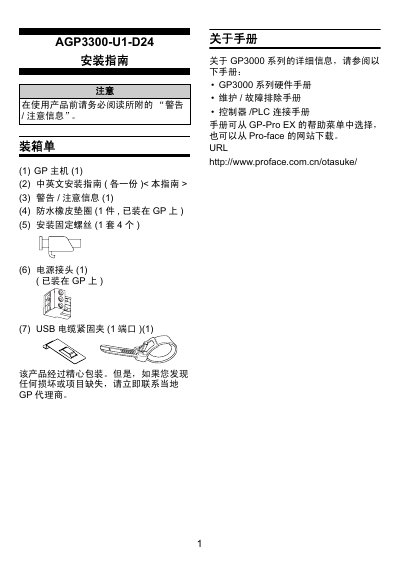
This document serves as an installation guide for the Pro-face GP3300-U1-D24 Human Machine Interface (HMI). It details the unpacking process, component identification, and general specifications required before beginning the setup.
The guide provides step-by-step instructions for mounting the unit into a panel, including requirements for ventilation gaps and torque values. It also covers critical wiring procedures for power connections, grounding, and serial communication interfaces (COM1/COM2), along with specific precautions to prevent electrical damage or interference. This manual is written in Chinese.
| Power Input Voltage | DC24V (Rated: DC19.2~28.8V) |
|---|---|
| Power Consumption | 26W or less |
| Operating Temperature | 0~50°C |
| Storage Temperature | -20~+60°C |
| Protection Rating (Front Panel) | IP65f NEMA #250 TYPE 1 |
| Mounting Method | Flush Mount (Embedded) |
You must maintain at least 100mm of space between the GP and other devices for maintenance and ventilation.
The required torque is 0.5N·m to avoid damaging the plastic casing.
No, the GP can only be used indoors.