
User guide for Polar Ignite 2 smartwatch covering setup, training, health monitoring, and firmware updates.
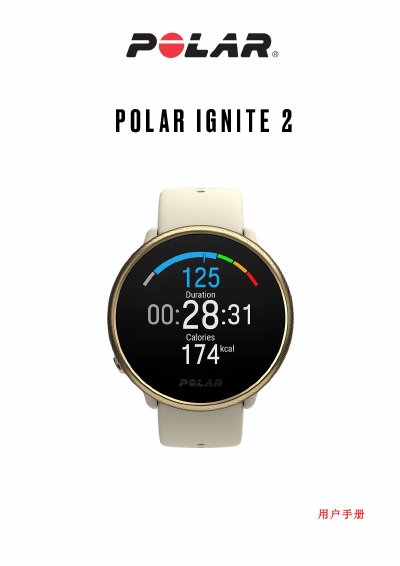
This manual helps you set up and use the Polar Ignite 2 smartwatch. It covers pairing with your phone or computer, training features, health monitoring, and firmware updates. The watch includes PolarFlow app integration for detailed training and sleep analysis, and customizable watch faces and bands.
The Ignite 2 uses PolarPrecision Prime™ sensor fusion to measure heart rate from the wrist and built-in GPS for tracking speed, pace, distance, and routes. It also features NightlyRecharge™ for recovery measurement, FitSpark™ for personalized training, and SleepPlusStages™ for sleep tracking. This manual is written in Chinese.
| Heart Rate Measurement | From wrist using PolarPrecision Prime™ sensor fusion |
|---|---|
| GPS | Built-in GPS for speed, pace, distance, and route tracking |
| Recovery Measurement | NightlyRecharge™ for nightly recovery status |
| Sleep Tracking | SleepPlusStages™ for monitoring sleep stages |
It is a customizable smart fitness watch.
It measures heart rate from the wrist using Polar Precision Prime sensor fusion technology.
It tracks speed, pace, distance and route.
Plug the watch into a powered USB port or USB charger using the cable included in the box.