
Philips SPC 200NC Video Camera User Manual

This manual provides installation, setup, and usage instructions for the Philips SPC 200NC USB video camera.
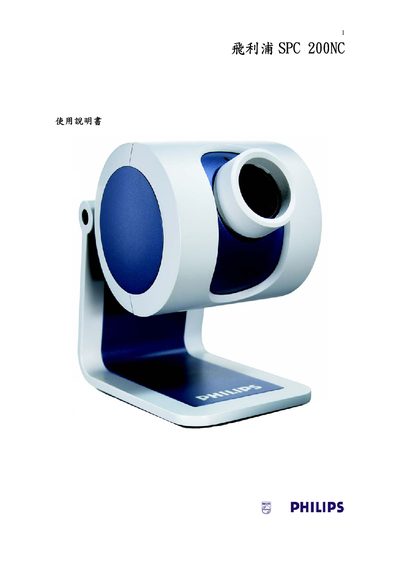

Philips SPC 200NC Video Camera User Manual - cover page
Brand
Philips
Document type
User Manual
Language
ZH-TW
Pages
22
File format
PDF
File size
913 KB
Published
27 February, 2012
Updated
16 October, 2026
MD5 checksum
B36C8D1F397678926BC70FBB97EFC99F

About this manual

The Philips SPC 200NC is a high-quality USB video camera designed for video conferencing, email attachments, snapshots, and editing. It features auto-focus, adjustable vertical angle, and an integrated microphone that connects directly to the PC via USB without needing external power or drivers on Windows XP systems. This manual is written in Chinese.

What's inside

  • Introduction
  • Safety Precautions
  • Package Contents
  • Function Overview
  • Installation
  • Connecting to PC
  • Camera Settings
  • Application Software
  • Technical Specifications

Frequently asked questions

What are the operating temperature and humidity limits for the SPC 200NC?

The camera should only be used in environments with a temperature between 0°C and 40°C, and relative humidity of 45% to 85%.

What system requirements are needed to use the SPC 200NC software?

You need a PC running Windows 98SE/2000/ME or XP, a Pentium III processor at 500 Mhz or higher, and 128MB of RAM.

How much hard drive space is required for the SPC 200NC installation?

The system requires at least 100 MB of available hard disk space.

Download PDF (913 KB)

More Philips Manuals


View all Philips manuals →