
This manual covers the operation, maintenance, and troubleshooting of PFU fi Series color image scanners, including loading documents, configuring settings…
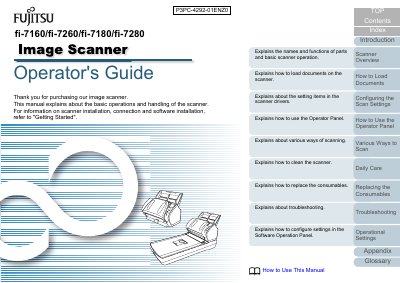
This user's guide provides detailed instructions for the PFU fi Series Color Image Scanner models fi-7160, fi-7260, fi-7180, and fi-7280. It explains how to load documents into the Automatic Document Feeder (ADF) or on the flatbed, configure scan settings using the Software Operation Panel, and utilize various scanning methods. The guide also covers the use of the Operator Panel and scanner drivers.
| Interface | USB |
|---|---|
| Scanning speed (fi-7160/fi-7180) | 60 ppm/120 ipm |
| Scanning speed (fi-7260/fi-7280) | 80 ppm/160 ipm |
| ADF Support | Yes |
| Duplex Scanning | Yes |
This manual covers the fi-7160, fi-7260, fi-7180, and fi-7280 scanner models.
Yes, the scanner is equipped with an Automatic Document Feeder (ADF) that allows duplex (double-sided) scanning.
The scanner supports the USB interface.