
PFU ScanSnap S300 Color Image Scanner User Manual

This manual provides installation, usage, maintenance, and safety information for the PFU ScanSnap S300 color image scanner.
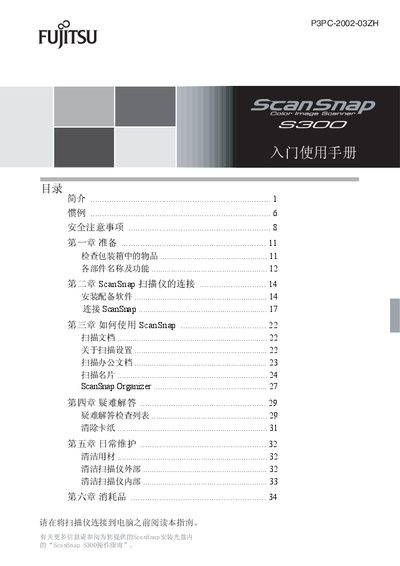

PFU ScanSnap S300 Color Image Scanner User Manual - cover page
Brand
PFU
Category
Scanner
Document type
User Manual
Language
Chinese
Pages
36
File format
PDF
File size
1.7 MB
Published
12 October, 2026
Updated
12 October, 2026
MD5 checksum
9AA59F21D55CFC5CE6D96C10295DE3B2

About this manual

The PFU ScanSnap S300 is a compact color image scanner designed to convert double-sided documents into PDF files efficiently. It features automatic detection of color versus black-and-white pages and includes software tools like ScanSnap Manager, ScanSnap Organizer, and CardMinder for managing scanned data and business cards. This manual is written in Chinese.

What's inside

  • Introduction
  • Safety Precautions
  • Preparation
  • Connecting the Scanner
  • Scanning Documents
  • Troubleshooting
  • Daily Maintenance

Frequently asked questions

What is the maximum length allowed for the power cable?

The power cable length must not exceed 3 meters (10 inches).

What is the maximum sound pressure level of the scanner?

The highest sound pressure level is 70 dB (A) or less.

Download PDF (1.7 MB)

More PFU Manuals


View all PFU manuals →