
This guide covers installation, usage, settings, troubleshooting, and maintenance for the PFU ScanSnap S300 color image scanner.
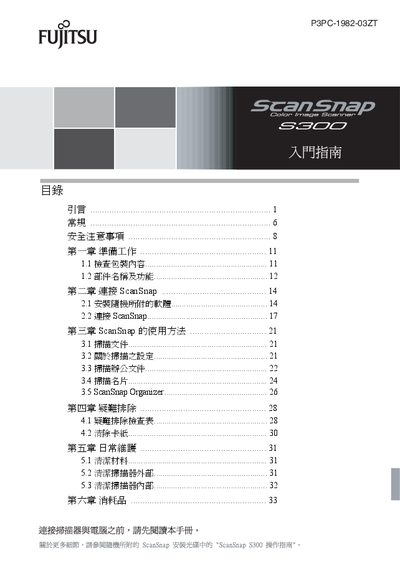
The PFU ScanSnap S300 is a compact, high-speed color image scanner designed to improve office efficiency. It features automatic document type and color detection (color or black & white) and includes software like CardMinder for managing business cards with OCR capabilities.
This manual provides instructions on preparing the device, connecting it via USB power cable, scanning various documents including business cards, using ScanSnap Organizer, troubleshooting common issues such as paper jams, and performing daily maintenance tasks. This manual is written in Chinese.
The ScanSnap S300 is a color image scanner with double-sided scanning capability.
The scanner scans at approximately 8 pages per minute when connected via power cable or 4 pages per minute via USB power cable.
The AC power cable must not exceed 3 meters (10 inches) in length.