
This manual covers the operation, maintenance, and troubleshooting for PFU SP-1120, SP-1125, and SP-1130 color image scanners with ADF.
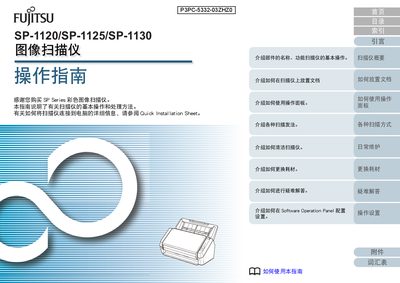
This document is the Operation Guide for the PFU SP Series color image scanners, specifically models SP-1120, SP-1125, and SP-1130. It provides instructions on basic operations, document handling, and the use of the operation panel.
The guide details various scanning methods, daily maintenance procedures including cleaning the ADF, and how to replace consumables. It also includes a troubleshooting section and instructions for configuring settings via the Software Operation Panel. This manual is written in Chinese.
| Scanner Type | ADF |
|---|---|
| Scan Speed (SP-1120) | 20 ppm/40 ipm |
| Scan Speed (SP-1125) | 25 ppm/50 ipm |
| Scan Speed (SP-1130) | 30 ppm/60 ipm |
| Interface | USB |
This guide covers the SP-1120, SP-1125, and SP-1130 color image scanners.
The SP-1130 has a scan speed of 30 ppm/60 ipm.
Yes, each scanner is equipped with an automatic document feeder (ADF) that can perform duplex scanning.