
This manual explains how to operate, maintain, and troubleshoot the PFU fi‑6670/fi‑6770/fi‑6750S color image scanners.
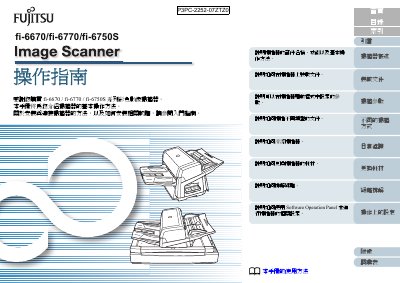
The PFU fi‑6670/fi‑6770/fi‑6750S series are color image scanners equipped with an Automatic Document Feeder (ADF) and, for the fi‑6770 and fi‑6750S models, a flatbed platform. This operation manual provides step‑by‑step instructions for using the Software Operation Panel, loading documents, setting scan parameters, and performing routine maintenance.
Key sections cover loading documents, configuring TWAIN, ISIS, and ScandAll PRO drivers, different scanning methods (single‑sided, double‑sided, large‑format), consumable replacement, cleaning procedures, and troubleshooting common issues such as paper jams and error messages. This manual is written in Chinese.
| Automatic Document Feeder (ADF) | Included |
|---|---|
| Double‑sided scanning | Supported on fi‑6670 |
Use the ADF for automatic feeding of multiple pages or the flatbed platform for single sheets and books.
The scanner works with TWAIN, ISIS, and PFU’s ScandAll PRO software.
Wipe the ADF rollers with a cloth lightly dampened with cleaning solution F1 as described in the maintenance section.