
The PerkinElmer Vectra Polaris user manual provides safety guidelines, hardware specifications, and operating instructions for the imaging instrument.
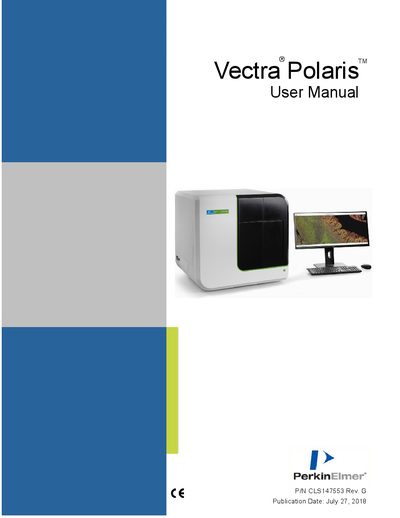
This manual covers all safety information for the Vectra Polaris, including required training, electrical and mechanical safety, weight handling, and bright‑light hazards. It emphasizes that only qualified PerkinElmer service personnel should service or move the instrument.
The hardware reference section describes the instrument’s components and lists technical specifications such as system size, weight, spectral range, objectives, pixel resolution, file formats, operating system, and memory. Additional sections explain operation, scanning procedures, dashboard functions, and maintenance support.
| System Size (H x W x L) | 28" (72 cm) x 30" (77 cm) x 27.25" (69.25 cm) |
|---|---|
| Weight | 185 lbs (84 kg) |
| Spectral Range | 440 nm to 720 nm |
| Objectives | 4x, 10x, and 20x |
| Pixel Resolution | 0.25 µm, 0.5 µm, or 1.0 µm |
| File Format | .qptiff, .im3, 24‑bit BMP |
| Operating System | Microsoft Windows 10, 64‑bit |
| RAM | 16 GB |
| Power Supply | 100‑120 VAC / 200‑240 VAC, 50‑60 Hz (±10%) |
The Vectra Polaris weighs 185 lbs (84 kg).
It requires a 100‑120 VAC or 200‑240 VAC input at 50‑60 Hz (±10%).
Only qualified PerkinElmer service personnel may service or move the instrument.
The barcode reader uses a Class 2 LED; users must not stare directly into the beam to avoid eye injury.