
This manual covers the operation of the Peavey PV14AT and PV14BT compact mixers, including channel controls, digital effects, media playback, and Bluetooth…
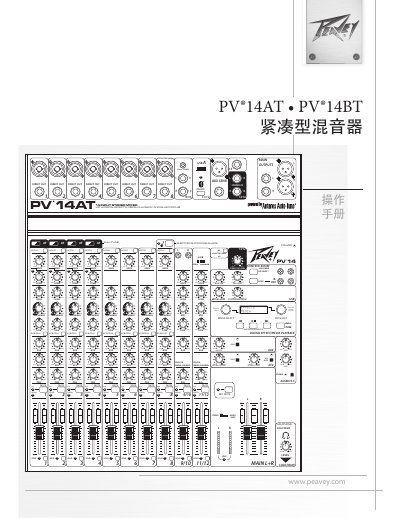
The Peavey PV14AT and PV14BT are compact mixers designed for music studios and live performance environments. They feature eight high-quality microphone preamplifier channels, a stereo channel, and a Bluetooth wireless input channel. The mixers include built-in DSP effects with customizable parameters, allowing for tailored sound in recording and sound reinforcement applications. The PV14BT model offers a high-quality digital effects and media stream via USB output, while the PV14AT adds four Antares Auto-Tune channels for vocal processing. This manual is written in Chinese.
| Microphone Preamplifier Channels | 8 |
|---|---|
| Stereo Input Channels | 1 |
| Bluetooth Input | 1 |
| Equalization | 3-band per channel |
| Low Cut Filter | 150 Hz |
| Compressor Channels | 4 |
| Direct Outputs | 8 |
| Phantom Power | 48V |
| USB-A Input | MP3 Playback |
| USB-B Input/Output | Stereo Audio Stream |
All microphone inputs have a low cut switch set at 150 Hz.
The mixer includes four built-in compressor channels.
Yes, the PV14AT features four Antares Auto-Tune channels.
The mixer supports MP3 playback via the USB-A input.