
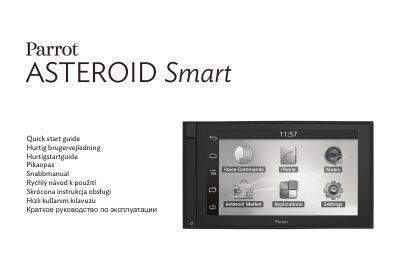
Quick start guide for the Parrot ASTEROID Smart car multimedia unit, covering installation, phone, music, Internet, video and safety notes.
The Parrot ASTEROID Smart quick start guide covers first steps, installation, first use, phone, music, Internet, video, troubleshooting and general information. It also shows the package contents, including the mounting holder, trim ring, side brackets, screws, SD card with Parrot ASTEROID Map, GPS dongle, ISO cable, microphone, parking brake cable extension, USB cables and cable fastener.
Safety notes say that functions requiring sustained attention should be used only when the car is stopped, and that the parking brake wire lets the device detect whether the parking brake is engaged. The guide points to www.parrot.com, Support section, for the full manual and FAQs. This manual is written in Russian.
| Vehicle power input | 12 V ignition and 12 V permanent |
|---|---|
| Fuse rating | 15 A |
| Maximum operating altitude | 2000 m |
Parrot says they can be obtained and downloaded from www.parrot.com in the Support section.
Use a reasonable volume so you can hear outside noises while driving.