
French quick start guide for the Parrot Flypad R2 R1L2 L1 controller: charging, linking to a Parrot drone, smartphone holder, FreeFlight Mini and button setup.
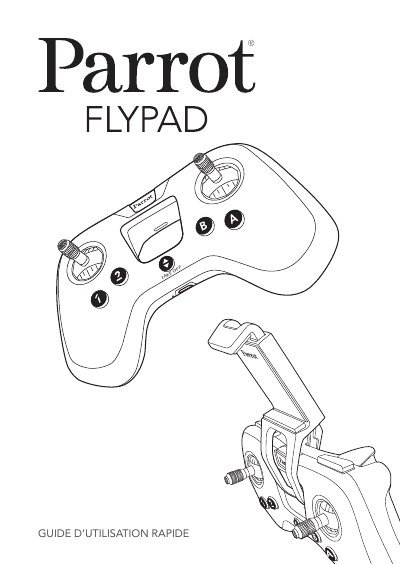
This is the French quick start guide (Guide d'utilisation rapide) for the Parrot Flypad R2 R1L2 L1, a controller used to pilot a Parrot drone. It walks through charging the battery with the supplied micro-USB cable, switching the Flypad on, and connecting it automatically to a Parrot drone, with the indicator light turning solid green once the link is established.
The guide then covers fitting and screwing the smartphone holder onto the Flypad, downloading the free FreeFlight Mini app from the App Store or Google Play, pairing a smartphone with the drone over Bluetooth, connecting the Flypad in the app, and assigning functions to the Flypad buttons. It closes with a table of indicator-light behavior, safety precautions, battery warnings, recycling information and EU/Canada conformity declarations. This manual is written in French.
| Charge time | approx. 2 hours (Flypad switched off) |
|---|---|
| Battery life | approx. 6 hours once charged |
| Maximum smartphone width | 78 mm |
| Maximum smartphone thickness | 9.8 mm |
| Minimum recommended RF distance | 20 cm between antenna and persons |
| Maximum battery temperature | 60 °C (140 °F) |
About 2 hours when the Flypad is switched off; the charge LED is red while charging and turns green when charging is complete.
Around 6 hours once it is fully charged.
Switch on the Parrot drone, press the On/Off button on the Flypad, and the connection is made automatically; the light blinks green then stays solid green.
A smartphone no wider than 78 mm and no thicker than 9.8 mm.