
Parrot by Starck Speakers User Manual

This manual covers the setup, operation, and connectivity of Parrot by Starck speakers, including instructions for Wi-Fi, Bluetooth, and iPod/iPhone…
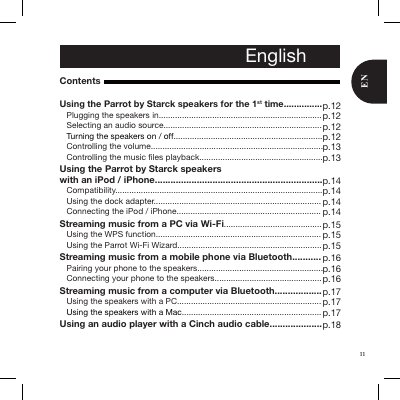

Parrot by Starck Speakers User Manual - cover page
Brand
Parrot
Category
Other Electronics
Document type
User Manual
Language
English
Pages
13
File format
PDF
File size
463 KB
Published
07 November, 2026
Updated
07 November, 2026
MD5 checksum
15D177FF91F9AE7815AB4227169EEBBF

About this manual

This user manual provides instructions for the initial setup and operation of the Parrot by Starck speakers. It details how to plug the speakers into an electrical outlet, turn them on, and select various audio sources such as iPods, iPhones, computers, and mobile phones. The guide explains how to control volume and music playback using the control panel or remote control.

What's inside

  • Using the speakers for the 1st time
  • Plugging the speakers in
  • Selecting an audio source
  • Controlling the volume
  • Controlling the music files playback
  • Using the speakers with an iPod / iPhone
  • Streaming music from a PC via Wi-Fi
  • Streaming music from a mobile phone via Bluetooth
  • Using the speakers with a PC
  • Warranty

Frequently asked questions

What is the PIN code for Bluetooth pairing?

The PIN code to enter during the pairing process is 0000.

What is the warranty period for Parrot products?

Parrot products are warranted for 1 year from the date of purchase for defects in materials and workmanship.

Which operating systems are supported for Mac usage?

Only the Leopard OS or later allows you to use the Parrot by Starck speakers with a Mac.

Download PDF (463 KB)

More Parrot Manuals


View all Parrot manuals →