
This is a Parrot MKi9200 user manual, which mainly introduces the product installation and use methods
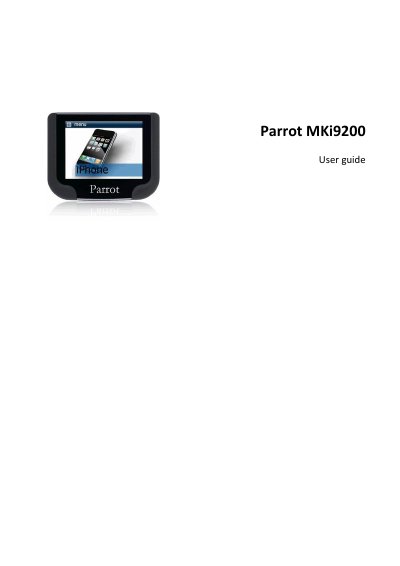
The Parrot MKi9200 is a car hands-free kit. This user guide covers installation, including checking the car configuration, removing the car stereo, installing the kit, power cable, audio connectors, double microphone, remote control and screen.
It also explains getting started, navigating menus, associating the remote control, Bluetooth phone connections, phonebook synchronization, display settings, calls and voice recognition, music playback from external sources, iPod / iPhone, SD card, USB, Bluetooth or analogue audio player, and audio settings.
| Remote control battery | 3V CR2032 |
|---|---|
| Microphone ideal distance | 60 cm |
| Red wire connection | Constant +12V supply |
| Orange wire connection | Ignition +12V |
| Black wire connection | Ground |
The remote control uses a 3V CR2032 battery.
The ideal distance is 60 cm.
Turn the ignition on then off once the Parrot MKi9200 is installed; the message “Goodbye!” must be displayed.
Yes, the guide includes using the Parrot MKi9200 with an iPod / iPhone.