
ANAFI USA is a drone manual that contains product features, usage instructions, and troubleshooting information
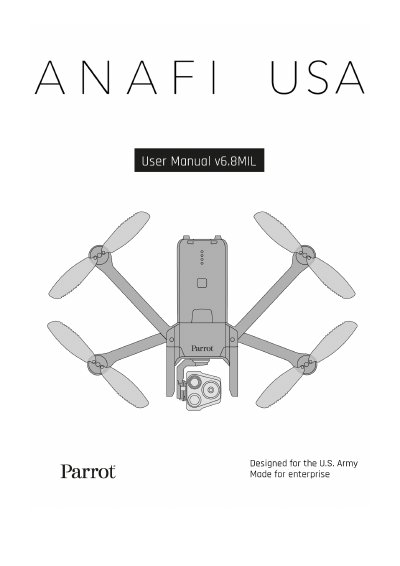
This Parrot ANAFI USA User Guide v6.8MIL explains how to set up the ANAFI USA drone with a Microhard-equipped Parrot Skycontroller USA and FreeFlight 6. It opens with prerequisites, package contents, and the pre-flight checklist, then covers take-off, flight, return home, landing, battery handling, and microSD media management.
The guide also documents FreeFlight 6 preferences, video and photo capture, gimbal and zoom controls, pro-imaging settings, thermal imaging and analyzer modes, CineShots, piloting modes, map-based flight planning, and GeoTIFF import. Appendices provide troubleshooting and an operational checklist.
| Maximum take-off mass (MTOM) | 644 g / 1.42 lb |
|---|---|
| Configurable auto-RTH minimum height | 20 m to 100 m |
| Default auto-RTH minimum height | 30 m |
| Default video settings | 1080p, 30 fps |
No. ANAFI USA does not need GPS, Glonass, or Galileo synchronization to take off.
It requires the FreeFlight 6 app, which is preinstalled on the Parrot Skycontroller USA.
The maximum take-off mass is 644 g / 1.42 lb.
The default minimum height over the take-off point is 30 meters.