
This manual covers the Paradox REM15 water-resistant 4-button remote control, including setup, battery replacement, and compatibility with Magellan and…
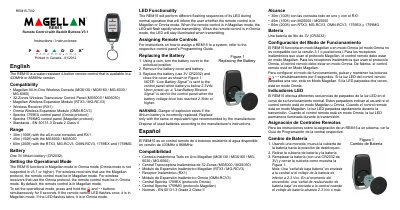
The REM15 is a water-resistant remote control available in 433MHz or 868MHz versions. It supports both Magellan and Omnia wireless protocols, allowing users to control various security panels and modules. The device features a single LED that indicates transmission status and operational mode.
| Frequency | 433MHz or 868MHz |
|---|---|
| Battery Type | 3V lithium battery (CR2032) |
| Range (All-in-One) | 30m (100ft) |
| Range (MG5000/MG5050) | 45m (150ft) |
| Range (Expansion Modules) | 60m (200ft) |
| Standard | EN 50131-3 Grade 2 Class II |
Press and hold the and buttons simultaneously for 5 seconds.
In Magellan mode, the LED flashes rapidly; in Omnia mode, the LED stays illuminated when transmitting.
It uses a 3V lithium battery (CR2032).